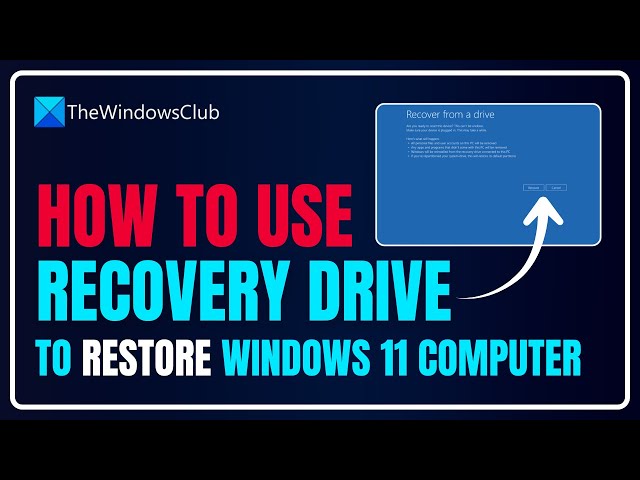

How to use Recovery Drive to restore Windows 11 computer
Jan 6, 2026

Essentially, a Recovery Drive stores a copy of your Windows 11/10 environment, without your personal files and desktop applications, on another storage device, such as a DVD or USB drive.
So in the event your Windows goes south, you can restore it from that drive. In this video, we will show you how to use a recovery drive to restore a Windows 11/10 computer.
Link: https://www.thewindowsclub.com/use-recovery-drive-to-restore-windows-10
00:00 Intro
00:37 Method 1: Boot the PC using the Recovery Drive
01:11 Method 2: Select a Language
01:28 Method 3: Recover from a drive
01:50 Method 4: Remove Files
02:23 Method 5: Recover Windows
02:51 Method 6: Finalize recovery
03:08 Method 7: Set up Windows
Other Links:
https://www.thewindowsclub.com/change-boot-order-in-windows
https://www.thewindowsclub.com/0x8007012a-or-0x80070057-changing-keyboard-layoutwindows-10-re
https://www.thewindowsclub.com/partition-c-drive-in-windows-10-without-formatting
https://www.thewindowsclub.com/windows-10-oobe-fails-with-error-causing-incomplete-setup
Show More Show Less #Science